Run the work.
Bill the job.
Keep customers in the loop.
Lawn Snow App helps lawn care, snow removal, and seasonal service companies manage the work that usually gets buried: customers, properties, jobs, crews, requests, notes, payments, documents, maintenance, and follow-up.
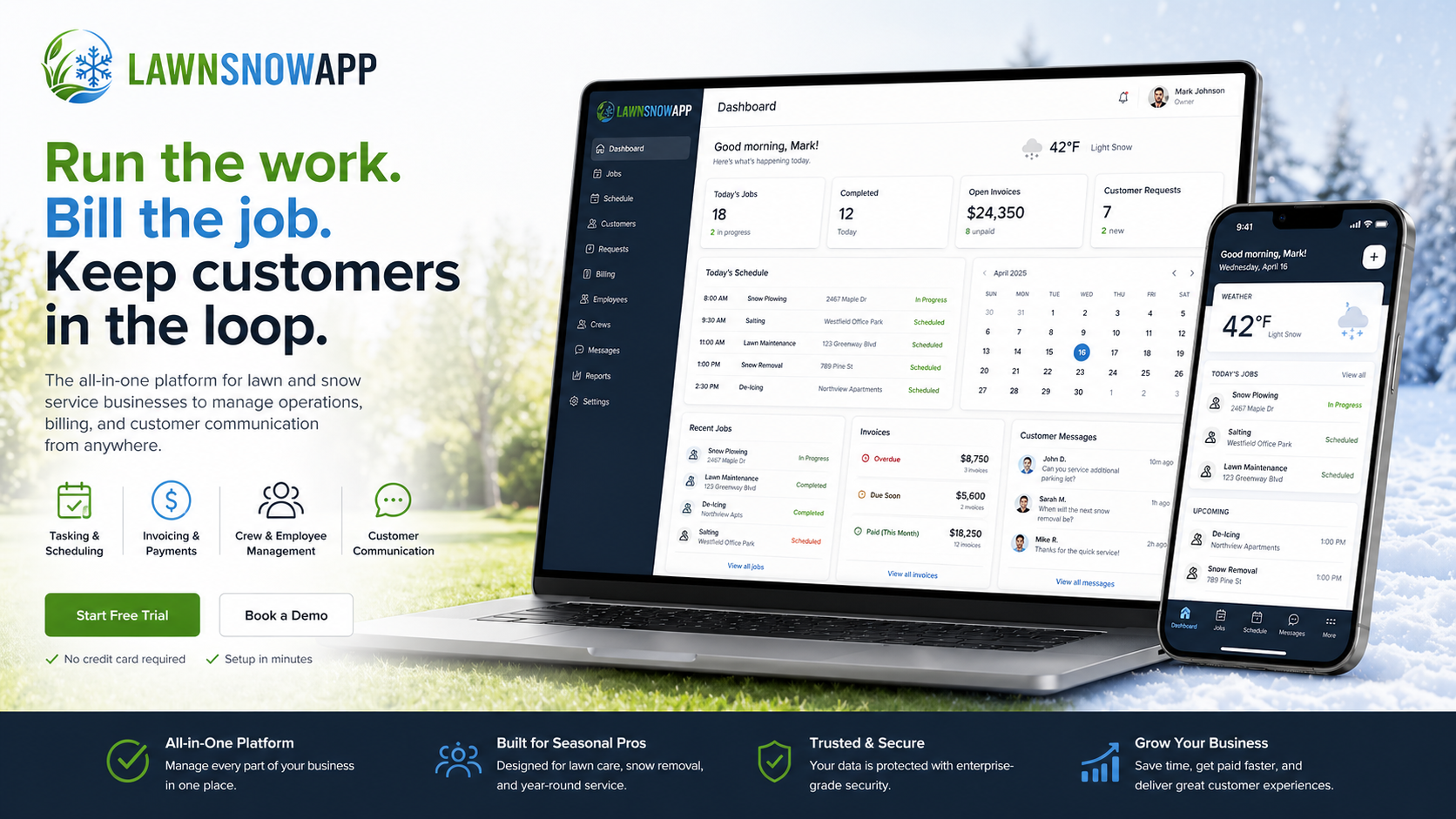
The work is not the problem. The loose ends are.
Most lawn and snow companies are not struggling because nobody knows how to mow, plow, spray, salt, clean up, or show up with a trailer.
They struggle because the business gets scattered. A customer texts a change. A crew misses a note. A job gets completed but never billed. A mower needs maintenance. A document expires. A payment goes late. A request gets buried. Nobody remembers who said what, when it happened, or whether it was handled.
Lawn Snow App was built to drag the important ignored parts of the business into the light.
- Track the work before it disappears into text threads.
- Keep customer requests tied to the actual customer, property, and job.
- See unpaid work before it turns into a cash-flow problem.
- Give crews one place to see what needs done.
- Give customers one place to request, review, and pay.
LAWNSNOWAPP visual story carousel
Bills Due Should Not Become Background Noise
Completed work should not sit quietly after terms expire. LAWNSNOWAPP can help send the first overdue invoice reminder at NET+1, then follow up every 10 days until paid, so owners are not manually chasing the same bills again and again.


See the whole business without chasing every piece of it.
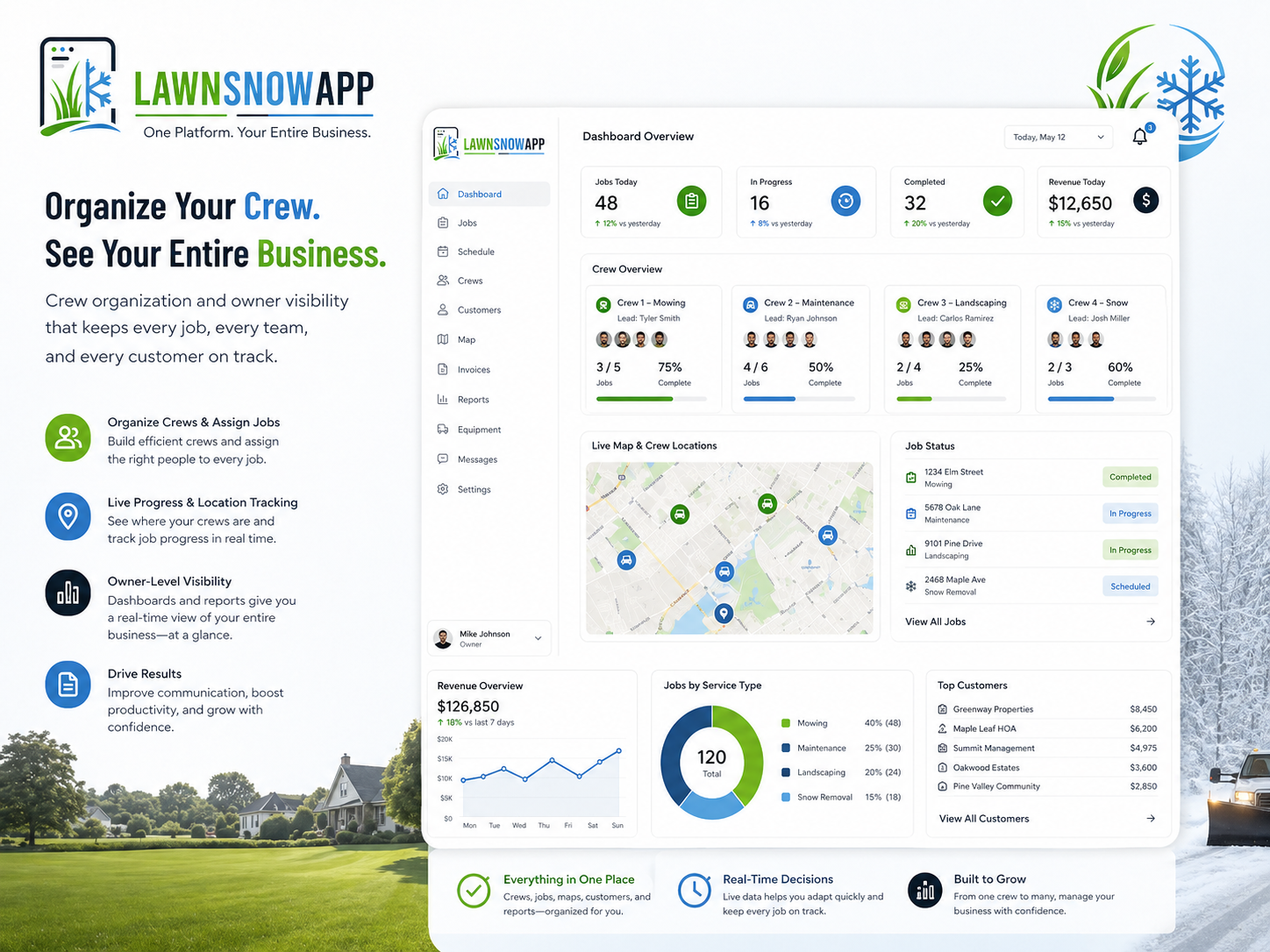
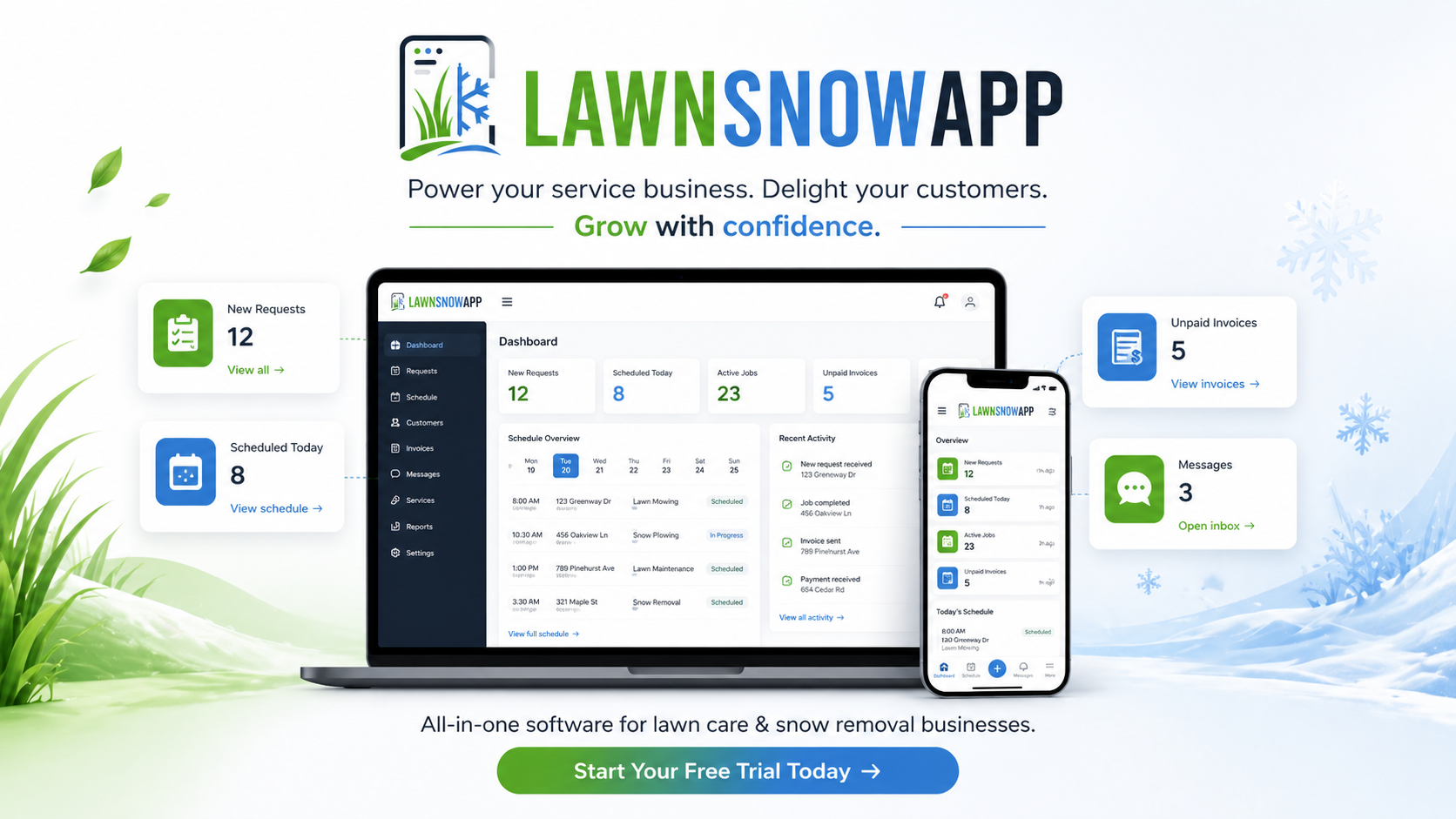
The Owner Dashboard & Command Center gives owners and office managers one place to manage the daily operation.
Customers, properties, jobs, requests, crews, employees, reports, documents, maintenance, onboarding imports, payment visibility, and customer follow-up all belong in one system instead of being scattered across texts, notebooks, memory, and “I thought someone handled that.”
- Manage customers, properties, jobs, and service plans.
- Review open requests from the Customer Portal.
- Track scheduled, completed, unpaid, and overdue work.
- See reports for jobs, value, assignments, and requests.
- Manage documents, safety items, maintenance records, and onboarding imports.
- Use audio walkthroughs in the Field Guide while testing the demo.
Give crews the information they need without handing them the whole business.
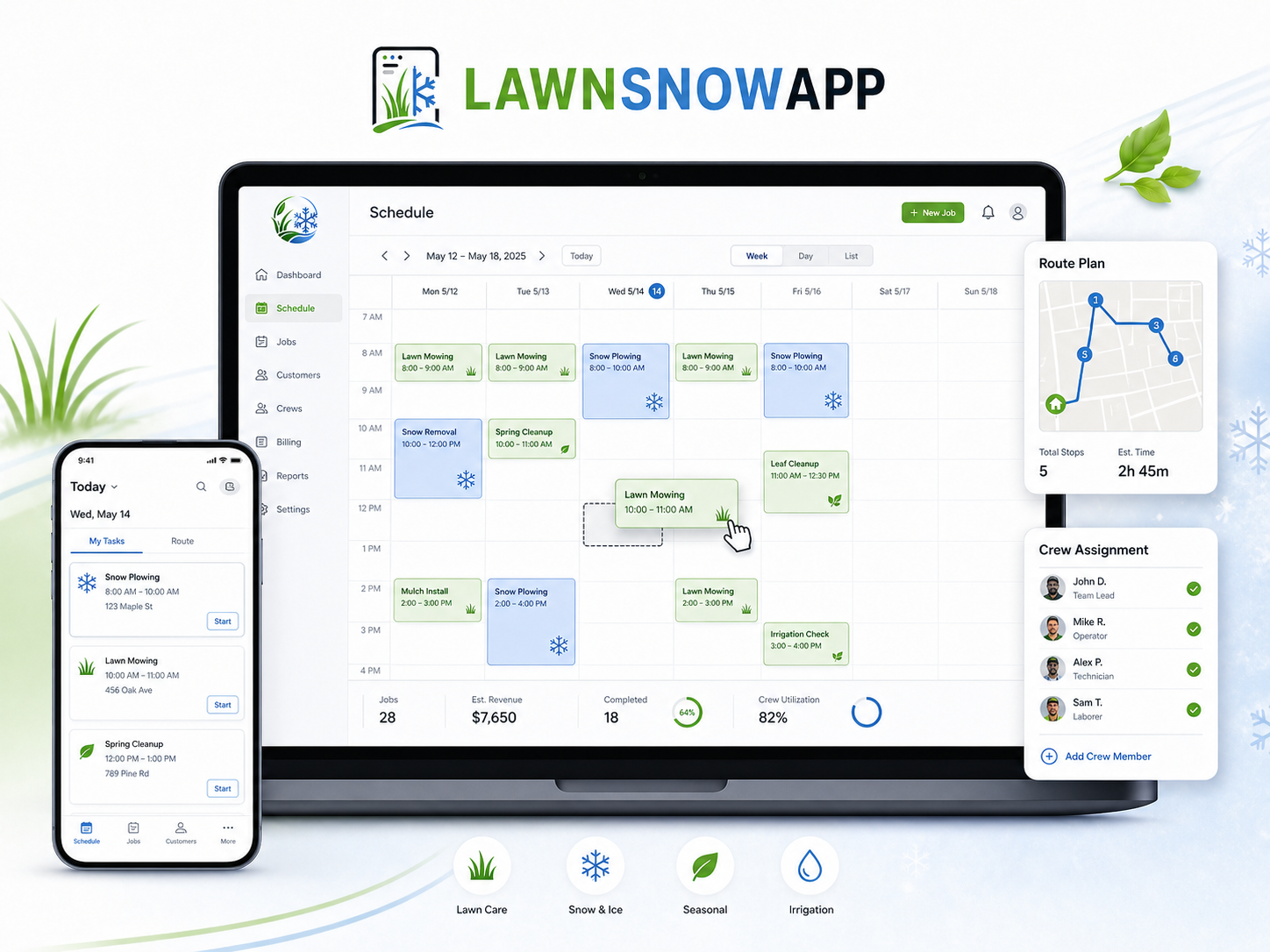
The Crew Portal keeps field teams focused on the work in front of them. Crews can see assigned jobs, start work, update job status, add notes, complete jobs, and access approved field documents through the Crew Pocket Library.
Owners keep visibility. Crews get clarity. Everybody stops playing “where did that note go?”
- Show assigned work by crew.
- Start and complete jobs from the field.
- Track job status and time-on-site.
- Add field notes tied to the job.
- Access approved documents through the Crew Pocket Library.
- Keep employees focused on what they need, not everything the owner sees.
A cleaner customer experience without another pile of phone calls.
The Customer Portal gives customers one place to see upcoming work, review completed unpaid work, submit requests, check notes, view credits, and pay when payment processing is active.
That means fewer scattered messages, fewer forgotten requests, and fewer “Did you get my text?” conversations.
- Show upcoming services.
- Let customers submit service requests and schedule-change messages.
- Display customer-visible notes.
- Show completed unpaid work.
- Apply credit balances.
- Support payment flow and review requests after successful payment.
- Show company phone and website when available.
Do not guess your way through the demo. Walk through it.
Use the EasyLawn demo case to explore how the Owner Command Center, Crew Portal, and Customer Portal work together. Usa el caso demo de EasyLawn para explorar cómo trabajan juntos el Centro de Comando del Dueño, el Portal de Cuadrilla y el Portal del Cliente.
These are intentionally audio walkthroughs—not videos. For the full guided experience, open one of the portals below and play its built-in audio walkthrough while you explore. The guide explains what you are seeing as you click through the live system. Estos recorridos son intencionalmente de audio, no videos. Para obtener la experiencia guiada completa, abre uno de los portales de abajo y reproduce su recorrido de audio integrado mientras exploras. La guía explica lo que estás viendo mientras haces clic en el sistema en vivo.
You can also listen to the same walkthroughs here on the website. También puedes escuchar los mismos recorridos aquí en el sitio web.
Listen to the walkthroughs here Escucha los recorridos aquí
Owner Command Center
Crew Portal
Customer Portal
Set the normal rules once. Override only when needed.
Lawn Snow App is being built around practical company defaults, because every operator handles billing, reminders, payment recovery, service area, and customer exceptions a little differently.
The goal is simple: set your normal rules once, then only create customer-specific exceptions when real life demands it.
- Default billing terms, starting with Net 30.
- Late payment reminder timing, with the first reminder one day late.
- Service completed email, separate from late-payment reminders.
- Processing-fee sharing for credit card and ACH payments.
- Accepted payment methods: Credit Card, ACH, and Manual Mark Paid.
- Default service radius, starting at 50 miles.
- Outside service area travel fee, starting at $0.50 per mile.
- Estimate available as a job type, not a service plan.
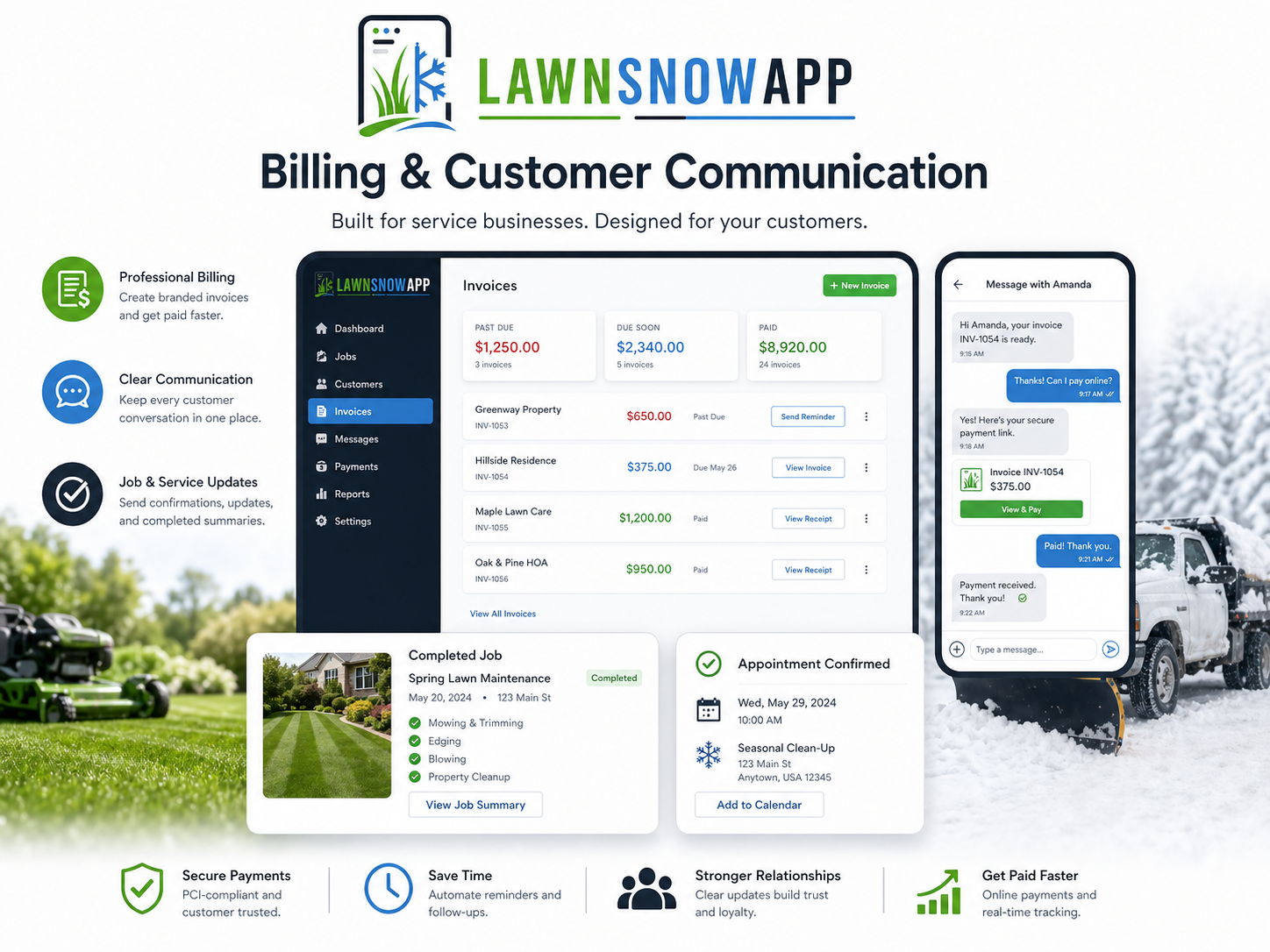
Completed work should not hide from your cash flow.
Lawn Snow App helps owners see completed unpaid work, payment status, credits, processing-fee recovery, and customer-facing payment options from inside the workflow.
The customer sees a clean invoice and total due. The company sees the real payment economics.
- Show completed unpaid jobs.
- Apply customer credit balances.
- Support payment method selection.
- Display the LSA Fee on invoices and checkout when customer-facing recovery is enabled.
- Track underlying Standard Stripe Fees and LSA Fee recovery separately.
- Track owner-side Lawn Snow App billing separately from customer invoice lines.
- Keep Manual Mark Paid visible so owners know whether follow-up is still needed.
The customer-facing LSA Fee is capped at $7.50 per paid invoice. That cap protects the customer invoice. Owner-side Lawn Snow App billing is calculated by Paid Service Stop and remains tracked in the company ledger.
One system for mowing season, snow season, and the weird work in the middle.
Your business changes with the weather. Your software should not panic every time the season changes clothes.
Lawn Snow App is designed for lawn care, snow removal, seasonal cleanup, weed treatment, fertilizing, mulch, irrigation checks, estimates, one-time jobs, and recurring service plans.
- Lawn mowing and recurring service plans.
- Snow removal and ice management.
- Fertilizing and weed treatment.
- Cleanup, mulch, irrigation, and seasonal work.
- One-time jobs and estimates.
- Recurring plans for repeat work.
Business software should prove itself before asking for a monthly commitment.
Small operators usually need operational help the most, but they are often the first ones priced out by software.
That is backwards.
Starter has no monthly software fee so operators can get organized, test the workflow, and see whether Lawn Snow App actually helps before adding another monthly bill.
On Starter, a $2.90 Internal LSA Cost applies per completed Paid Service Stop when the invoice is paid or marked paid. Starter earns the same Longevity Bonus as Core and Scale, up to 50%, based on credited Active Months. Manual tax settings are included. Automated tax calculation is optional and billed only when enabled.
- No monthly software fee on Starter.
- Use the system before committing to a monthly plan.
- Pay the $2.90 Starter Internal LSA Cost only when a Paid Service Stop is paid or marked paid.
- Standard Stripe Fees apply.
- Cap the customer-facing LSA Fee at $7.50 per paid invoice when recovery is turned on.
- Manual tax settings included.
- Automated tax calculation optional at $1.00 per tax-calculated invoice when enabled.
- Upgrade when added features or lower per-stop economics make sense for your business.
Start small. Upgrade when the math makes sense.
Choose no monthly software fee, a standard working-business plan, or lower Internal LSA Cost for higher-volume operators. Every standard plan earns the same Longevity Bonus schedule, up to 50%. Manual tax settings are included. Automated tax is optional and priced separately so tax-provider costs do not get hidden inside your plan.
The customer-facing LSA Fee is capped at $7.50 per paid invoice. That cap applies to the customer invoice, not the full owner-side billing ledger. Paid Service Stop: all completed work for one customer, at one property, on one service date, even if that stop includes multiple jobs.
Starter
No monthly software fee.
Best for testing the system, very low-volume operators, or businesses that only process occasional payments.
- Full platform access during launch
- Standard Stripe Fees apply
- $2.90 Starter Internal LSA Cost per Paid Service Stop
- Applies when the invoice is paid or marked paid
- Longevity Bonus can return up to 50% of eligible Starter Internal LSA Cost
- Manual tax settings included
- Automated tax optional at $1.00 per tax-calculated invoice when enabled
- Customer, crew, and owner portals
Core
Or $900/year, equivalent to $75/month when billed annually.
Built for working lawn, snow, and seasonal service businesses that process payments regularly.
- Full platform access
- Standard Stripe Fees apply
- $1.00 Core Internal LSA Cost per Paid Service Stop
- Longevity Bonus can return up to 50% of eligible Core Internal LSA Cost
- Manual tax settings included
- Automated tax add-on: $1 per tax-calculated invoice
- Reports, requests, jobs, service plans, documents, and maintenance workflows
Scale
Or $3,960/year, equivalent to $330/month when billed annually.
Best for established operators who process more payments and want the lowest standard Internal LSA Cost.
- Full platform access
- Standard Stripe Fees apply
- $0.25 Scale Internal LSA Cost per Paid Service Stop
- Longevity Bonus can return up to 50% of eligible Scale Internal LSA Cost
- Manual tax settings included
- Automated tax add-on: $1 per tax-calculated invoice
- Built for higher-volume payment workflows
Enterprise
For larger operators, multi-location teams, or higher payment volume.
Enterprise gives us room to build the right commercial structure instead of forcing every company into one box.
- Custom monthly pricing
- Custom payment terms available
- Volume-based payment pricing available
- Custom tax, compliance, and payment workflow support available
- Custom onboarding and rollout support available
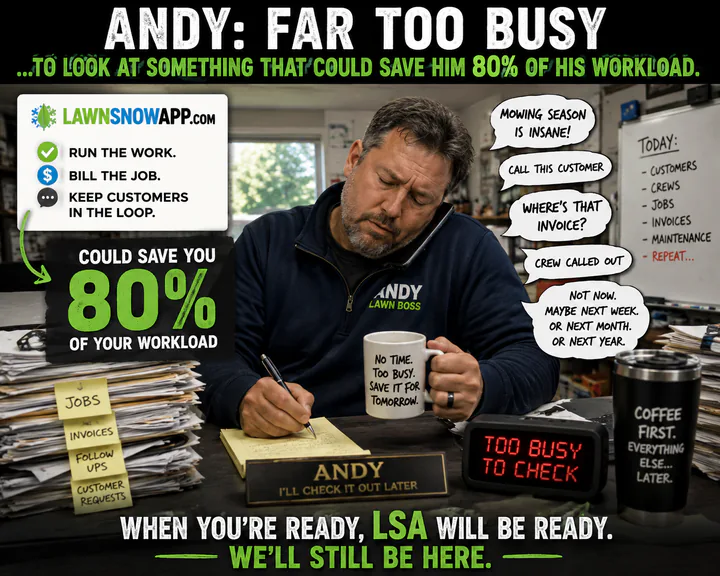
Too Busy to Fix Busy?
Every lawn and snow company has a reason to wait. Most of those reasons are already costing more than the solution.


Active Partners earn more of the LSA Fee back over time.
Longevity is based on credited Active Months, not simply the date your account was opened. The same schedule applies to Starter, Core, and Scale, so you can stay on the plan that fits your business instead of upgrading just to keep earning loyalty benefits.
Referral accelerator When a referred Partner completes 50 qualifying payments within any rolling 12-month period, the referring Partner earns 6 credited Active Months. Each referred Partner can earn this referral reward once.
Where customer-facing recovery is enabled and allowed, your normal customer-facing LSA Fee can remain in place while LAWNSNOWAPP.com returns your earned Longevity portion to your company. The Longevity Bonus applies only to eligible Internal LSA Cost. It does not reduce Standard Stripe Fees, automated tax charges, filing fees, or other pass-through vendor costs.
Help shape the platform before the industry gets another bloated tool that misses the point.
Lawn Snow App is being opened to early operators who want a practical system for running the work, billing the job, managing crews, and keeping customers informed.
Founding operators get early access, a chance to influence workflow priorities, and founder pricing opportunities during the launch window.
Founder credit applies to LAWNSNOWAPP subscription or upgrade charges. It does not cover Standard Stripe Fees, automated tax calculation, tax filing, compliance-provider charges, or other pass-through vendor costs.
The goal is not to trap you in software. The goal is to prove the system helps enough that upgrading makes sense.
Use Lawn Snow App from your browser. No app-store install required.
Lawn Snow App runs in the browser on Apple, Android, tablet, laptop, desktop, or phone. Owners sign in to the Command Center. Crew Portal access is delivered by secure email when the Owner deploys a day, date range, or workweek. Customers open the secure Customer Portal link included in their service emails and invoices.
Stop running the business from scattered texts.
Start running it from Lawn Snow App.
Create your account, test the workflow, and move your scheduling, job tracking, billing, customer requests, and crew communication into one clean system.
 Top
Top